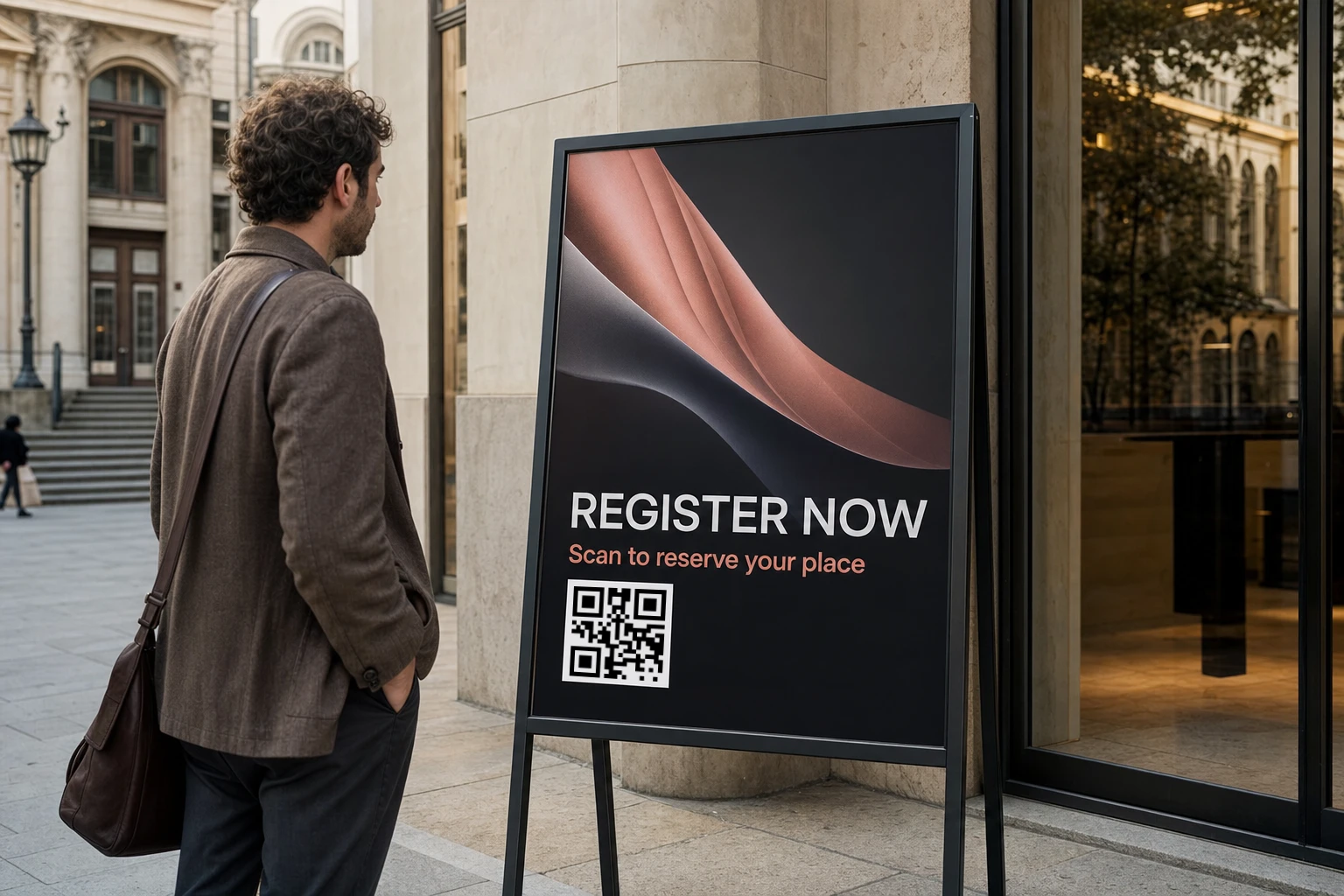
Registration before the event
Point early promotion and ticket material to registration, then move the same printed code to attendee information when registration closes.
Use cases / Events and venues / Printed signs
Use the same code across signs, badges, booth material, and printed programs while registration, schedules, venue information, and follow-up pages continue to change.
The event lifecycle
The printed code can stay consistent across event material while its destination follows what attendees need at each stage.
Point early promotion and ticket material to registration, then move the same printed code to attendee information when registration closes.
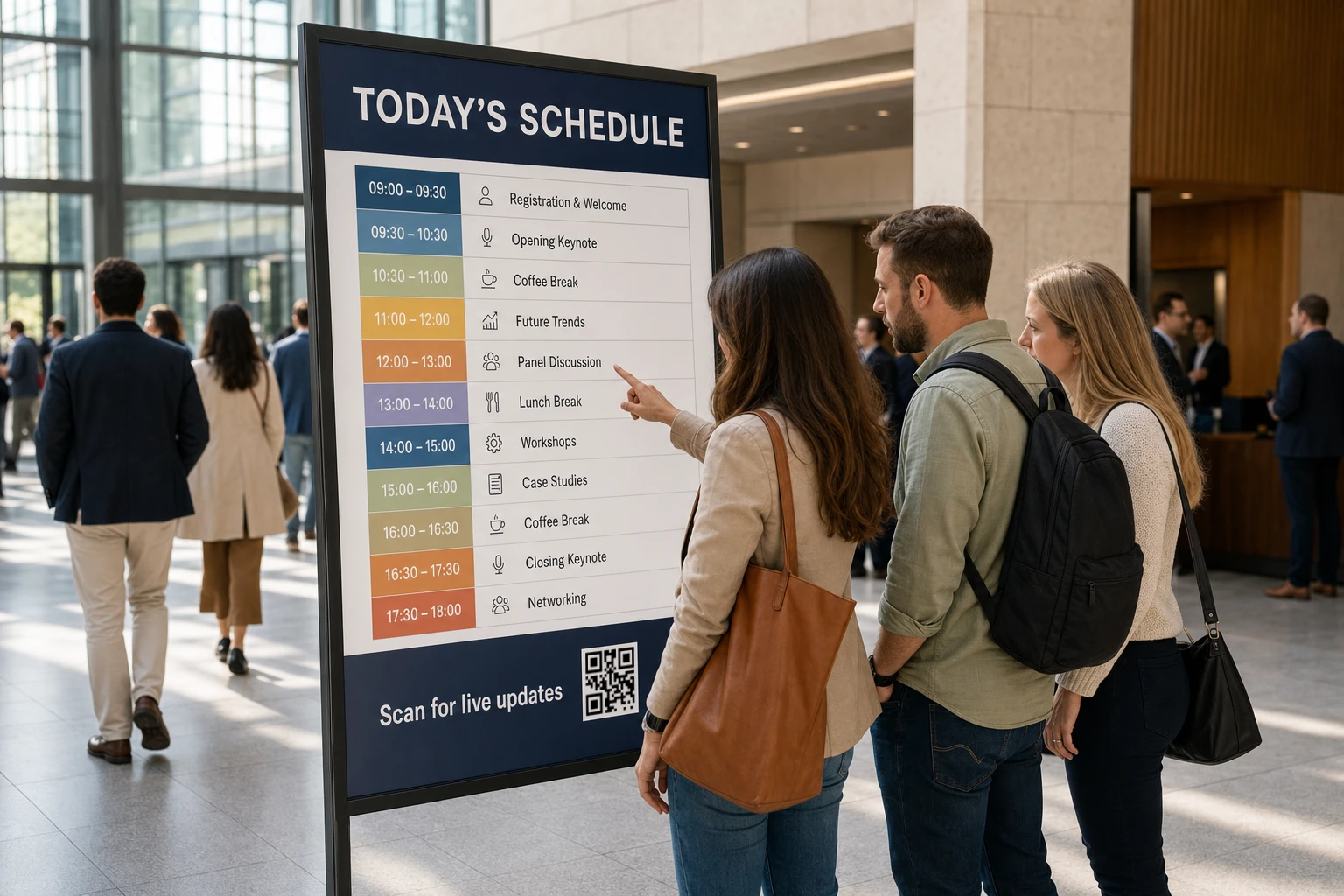
Link programs, signs, and badges to the latest agenda so schedule changes do not make the printed material immediately outdated.
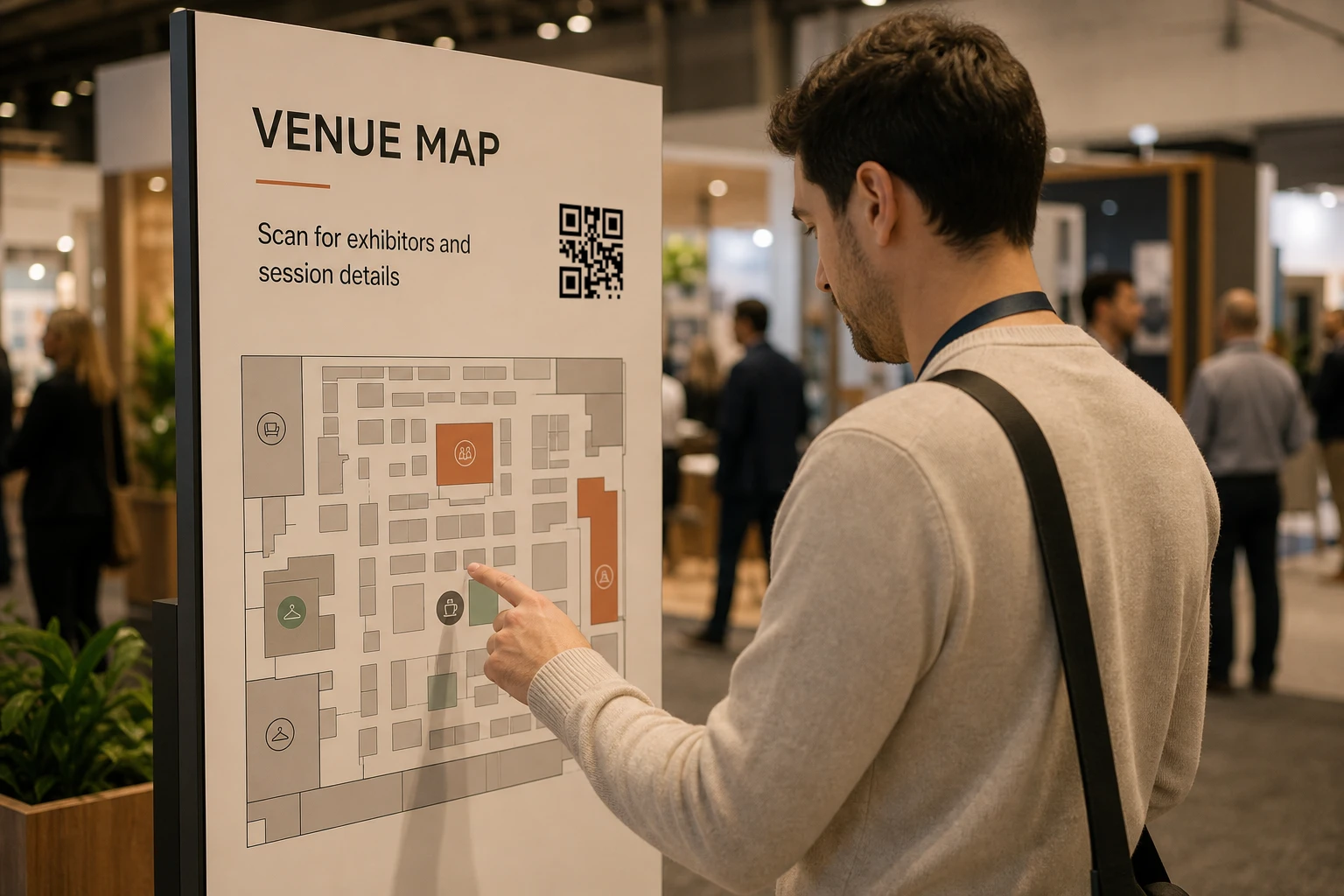
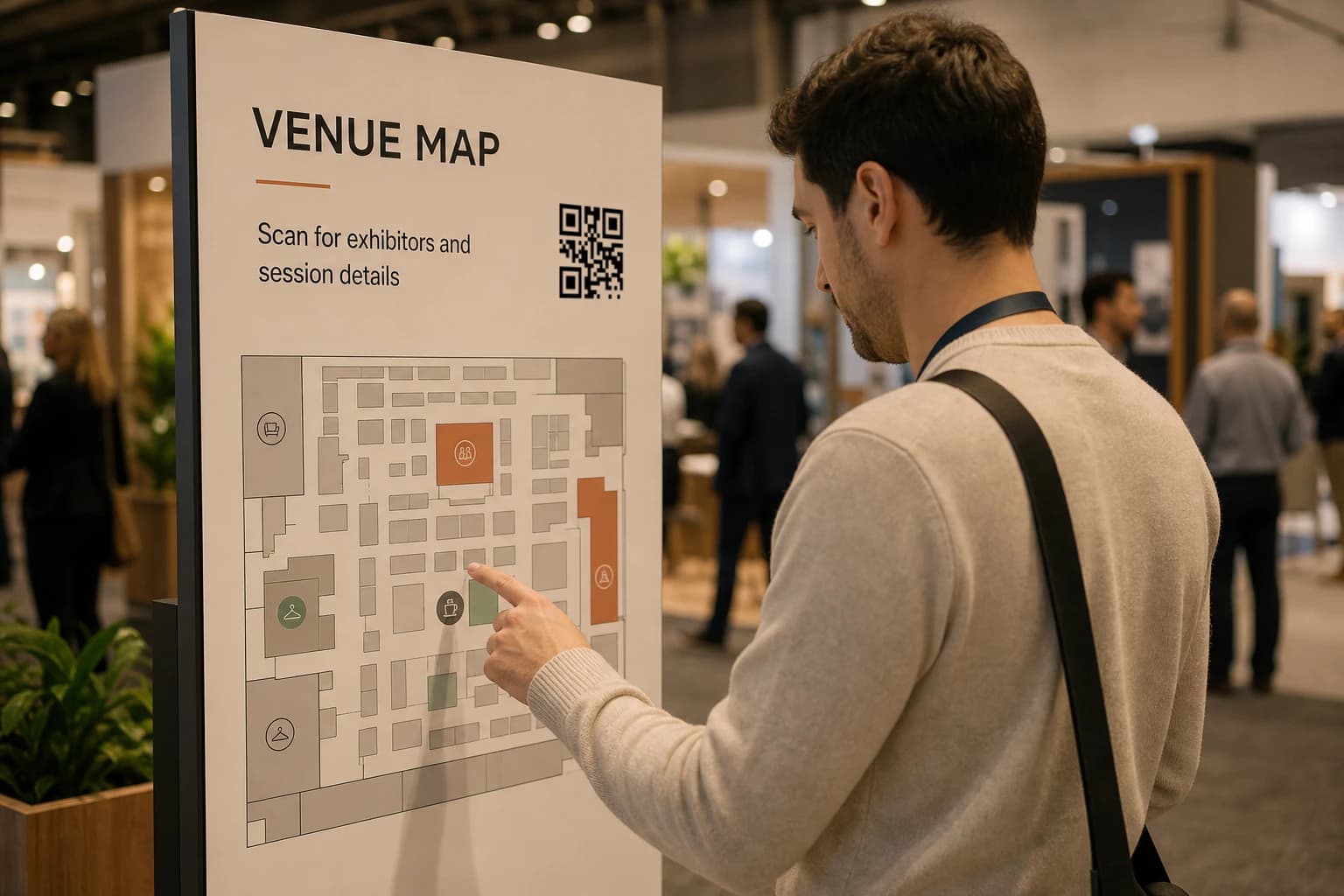
Use signs and booth material to open maps, venue details, speaker pages, session information, or exhibitor content.
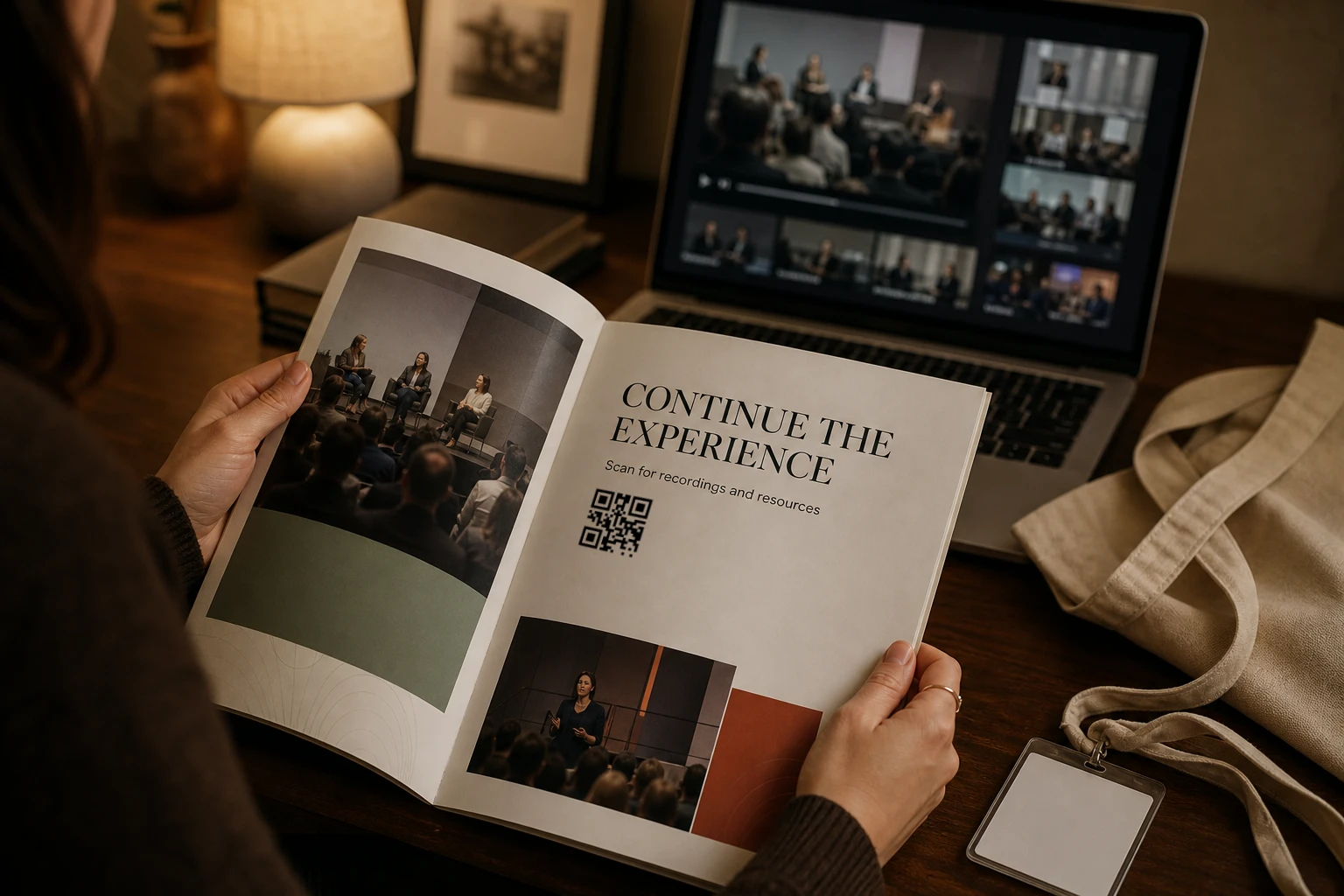
After the doors close, send the same code to feedback, recordings, resources, booking pages, or the next event.
Use consistent artwork across posters, programs, badges, screens, and venue signs.
Change the live destination when registration closes, a schedule changes, or follow-up begins.
Give team members access to the same organization instead of passing QR files between separate tools.
Review request activity by QR code, country, date, and time during and after the event.
A practical rollout
Prepare the durable code once, then move the destination through the stages of the event.
Create the code early enough to include it in signs, badges, programs, and production files.
Start with registration, a save-the-date page, or the first attendee destination.
Move the code to schedules, maps, session information, or other live event content.
Keep the printed material useful with feedback, recordings, resources, or the next event page.
Questions
How to keep event material useful across registration, event day, and follow-up.
The same code can appear on posters, tickets, badges, programs, booth cards, venue signs, and table displays when the placements should share one managed destination.
Yes. Move the code from registration to the live schedule, venue information, feedback, recordings, or another follow-up page without replacing the printed material.
Use separate QR codes when you need separate destinations or reporting for different booths, sessions, or signs. Reuse one code when the placements should behave as one managed route.
GeoQR reports resolver requests by QR code, country, date, and time. This can show when and where request activity occurred, but it does not identify unique attendees or prove physical attendance.
Yes. Invite team members into the organization so the people responsible for the rollout can work in the same product workspace. Available access depends on the configured role and plan.
Start with one event
Create the event code, add the first useful destination, and keep it ready for the information that changes as the event gets closer.
Free plan · No credit card required