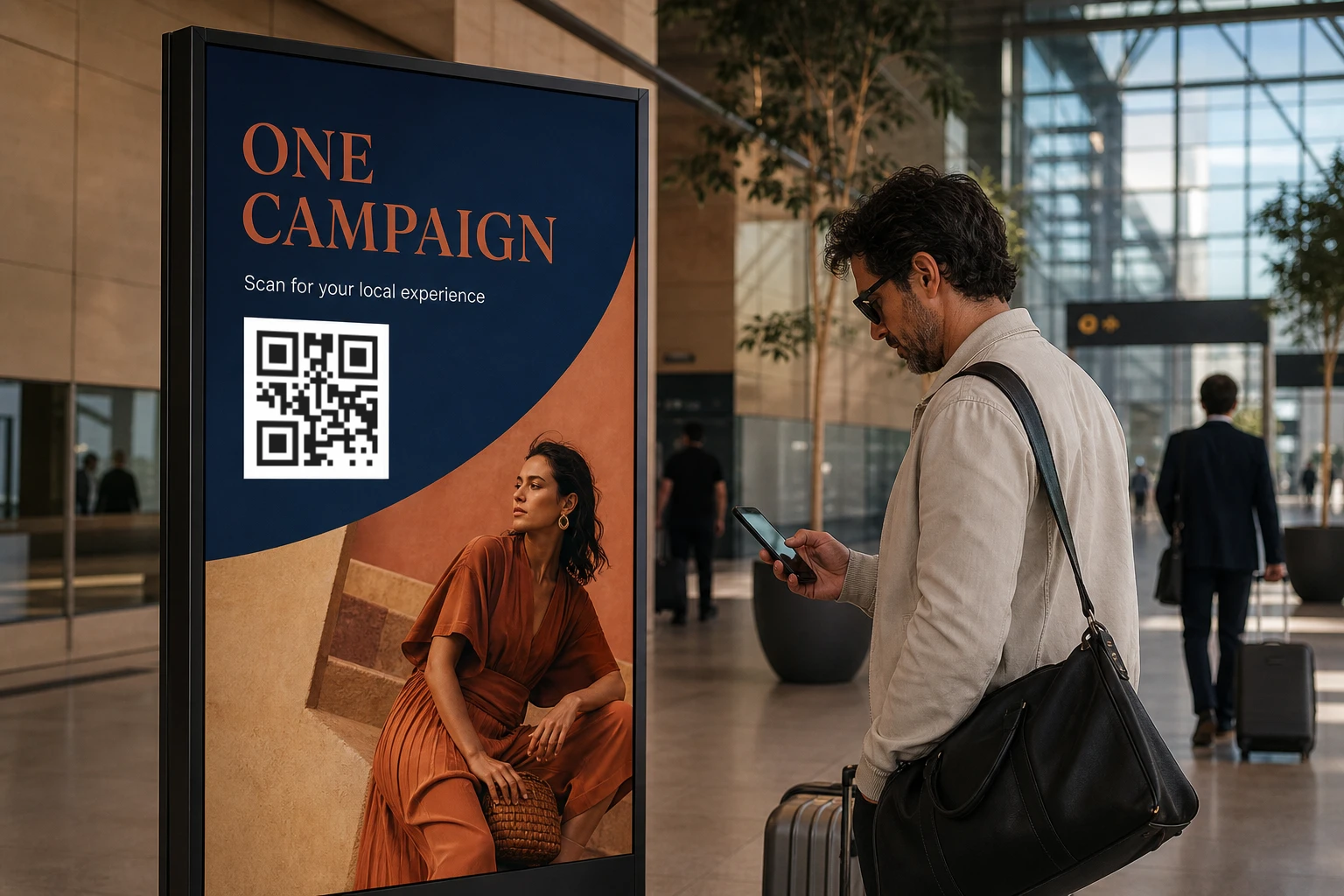
One default destination with local routes
Give every scan a useful fallback, then add local product pages, offers, stores, or support destinations only where a country needs them.
Use cases / Multi-market teams / Shared rollout
Keep QR design, default and country-specific destinations, customer-owned domains, team access, link checks, and request activity together as a rollout expands.
Multi-market rollout
Keep the shared parts of the rollout consistent while giving each market the destination and context it actually needs.
Give every scan a useful fallback, then add local product pages, offers, stores, or support destinations only where a country needs them.
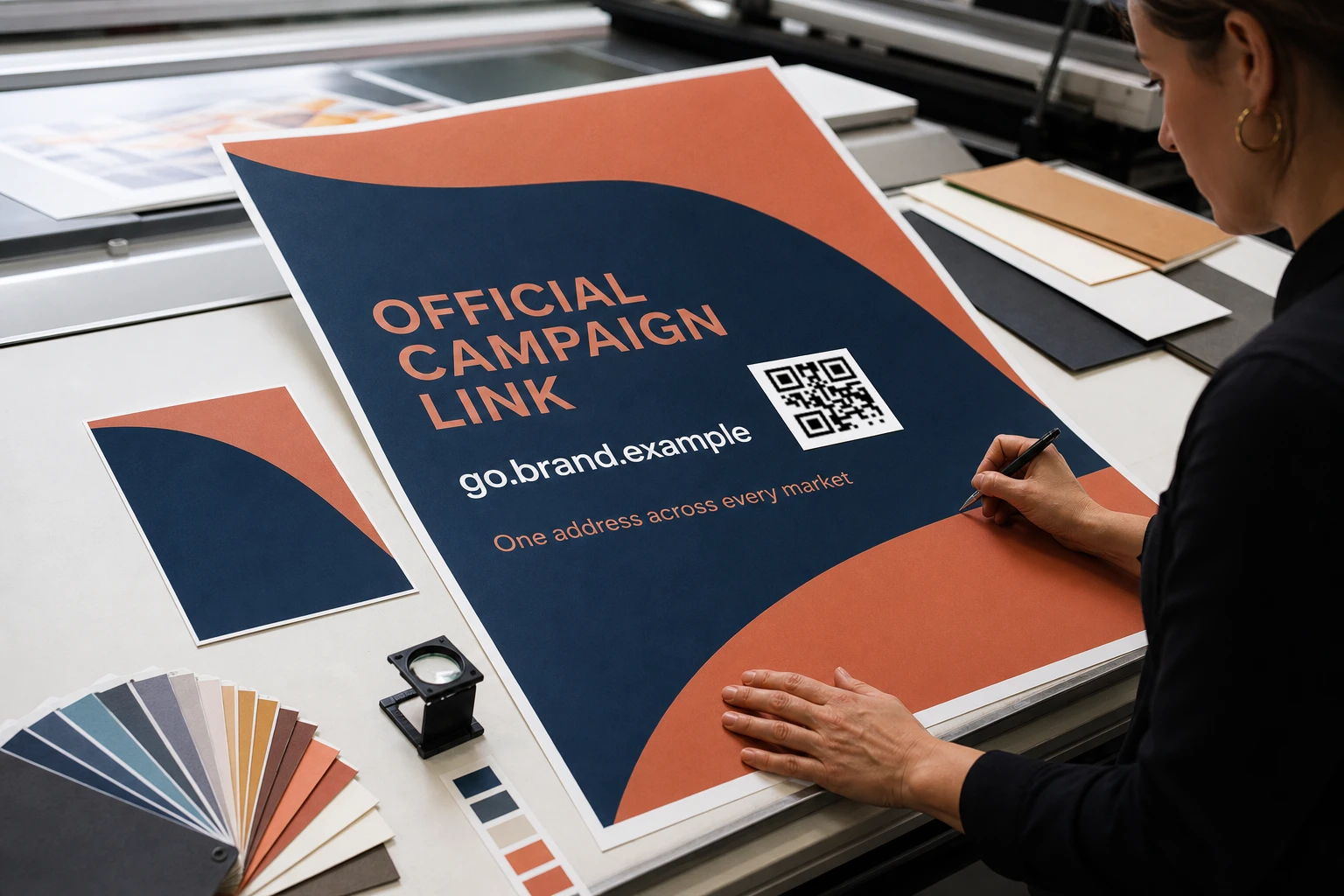
Use a GeoQR-hosted address or connect a verified customer-owned domain before the final artwork is printed.

Invite team members into the organization so the people responsible for design, destinations, and rollout updates can work in the same place.
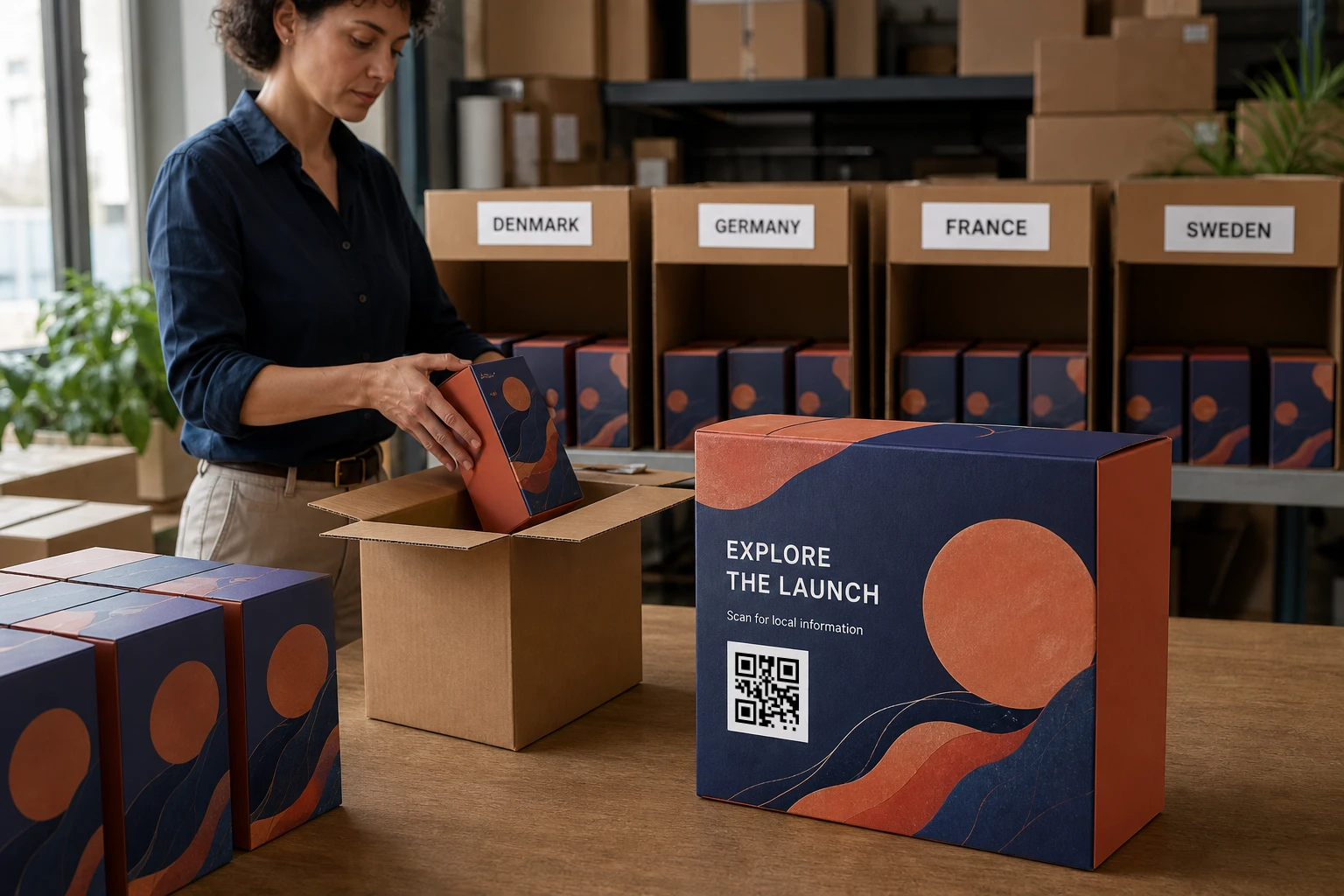
Review resolver requests by QR code, country, date, and time to understand how activity is distributed across the rollout.
Use one dependable destination whenever a country rule does not match or the country cannot be determined.
Update one market or the default destination without replacing the code already in circulation.
Check HTTPS destinations and known web threats before a link becomes part of the live rollout.
Keep colors, frames, logos, and exported artwork consistent across the markets using the code.
A practical rollout
Build the common route first, then add local differences and the people responsible for maintaining them.
Create the code, brand the artwork, and choose the page that should work for every unmatched scan.
Add a country route only when a market needs a different destination from the default.
Invite the team members who need to review or maintain the rollout in the shared organization.
Update live routes and review request activity as the rollout expands or priorities change.
Questions
How one code, local destinations, shared access, and request reporting fit together across markets.
No. Start with one default destination, then add country-specific routes where a market needs a different product page, offer, language, support page, or local experience.
GeoQR uses country-level network information. It does not request precise GPS coordinates. VPNs, proxies, carriers, and corporate networks can affect the apparent country, so every code should have a useful default destination.
Yes. Team members can work in the same organization. Access available to each person depends on the configured role and plan; the marketing site does not promise a fixed member count.
Yes. Connect and verify a customer-owned domain before the QR artwork is finalized. The hostname is encoded in the code, so changing it later requires new artwork.
GeoQR reports server-observed resolver requests by QR code, country, date, and time. The data shows request activity rather than unique people, precise locations, or confirmed physical scans.
Start with one rollout
Create the default experience, add the markets that need something different, and bring the rollout into one shared organization.
Free plan · No credit card required