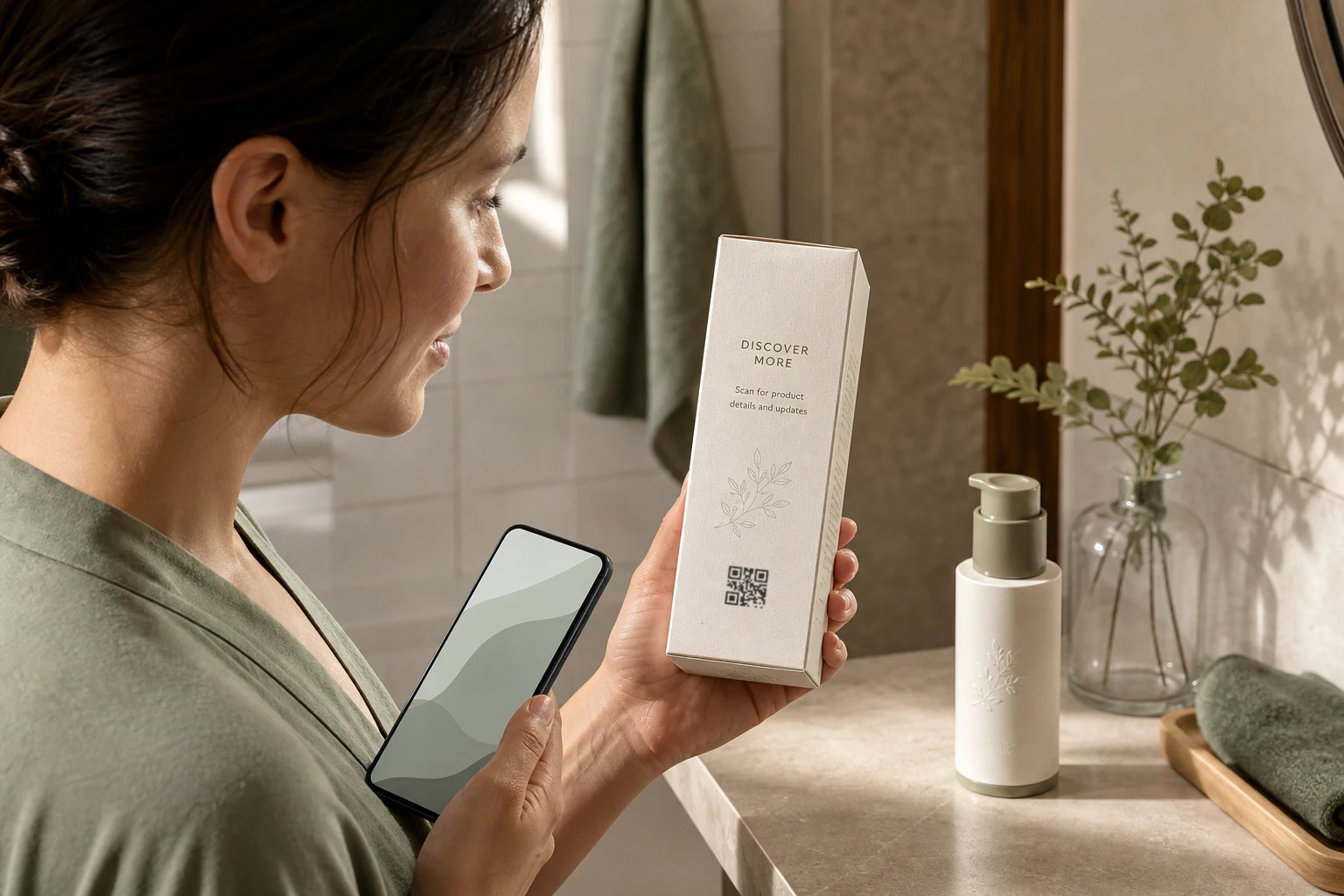
Product pages that stay current
Give a normal phone scan a useful product destination and keep that page editable as the product, market, or campaign changes.
Use cases / Product packaging / Connected products
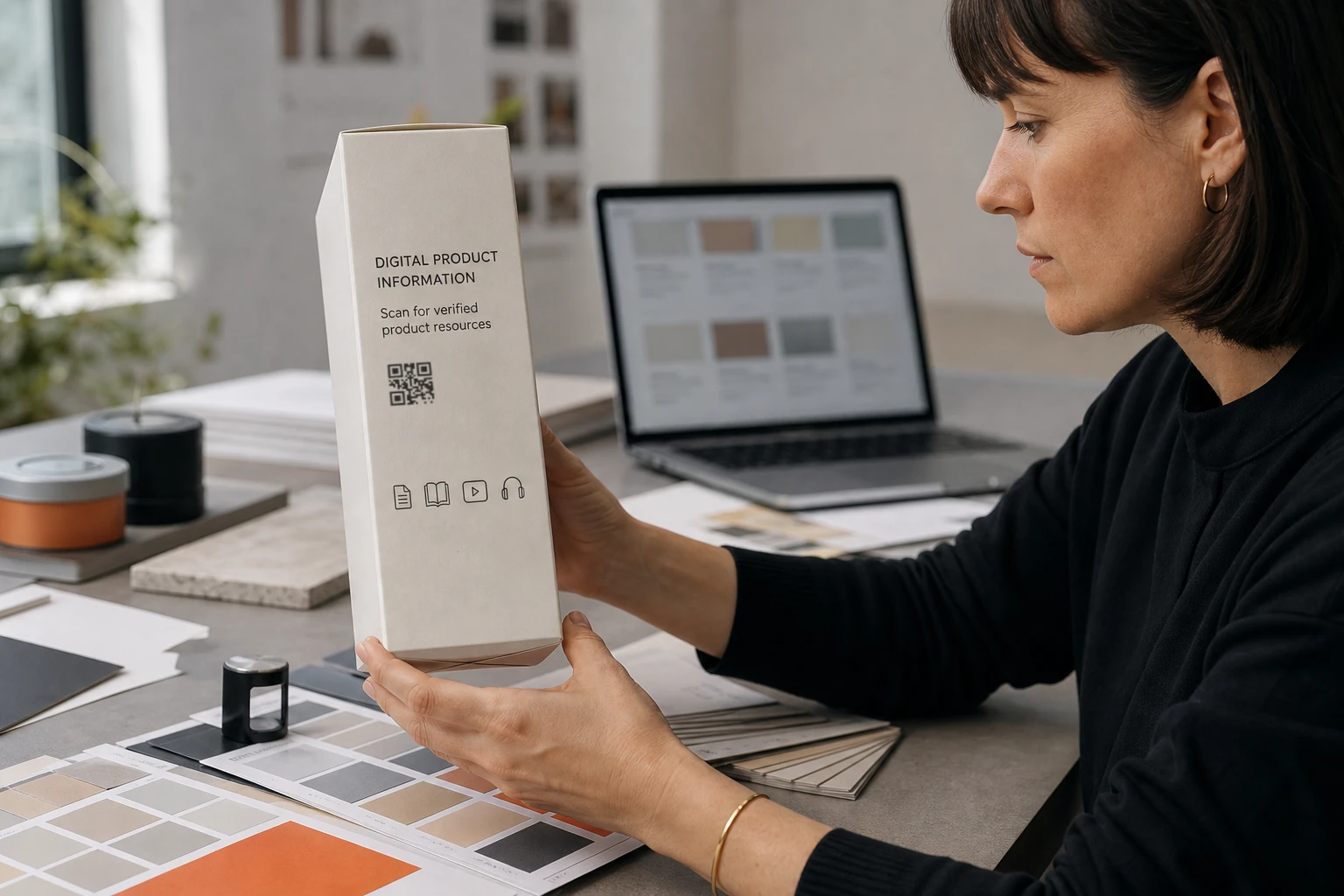
Create dynamic QR codes for product packaging that connect customers to instructions, product information, and support. Update destinations after printing and send different markets to local pages.
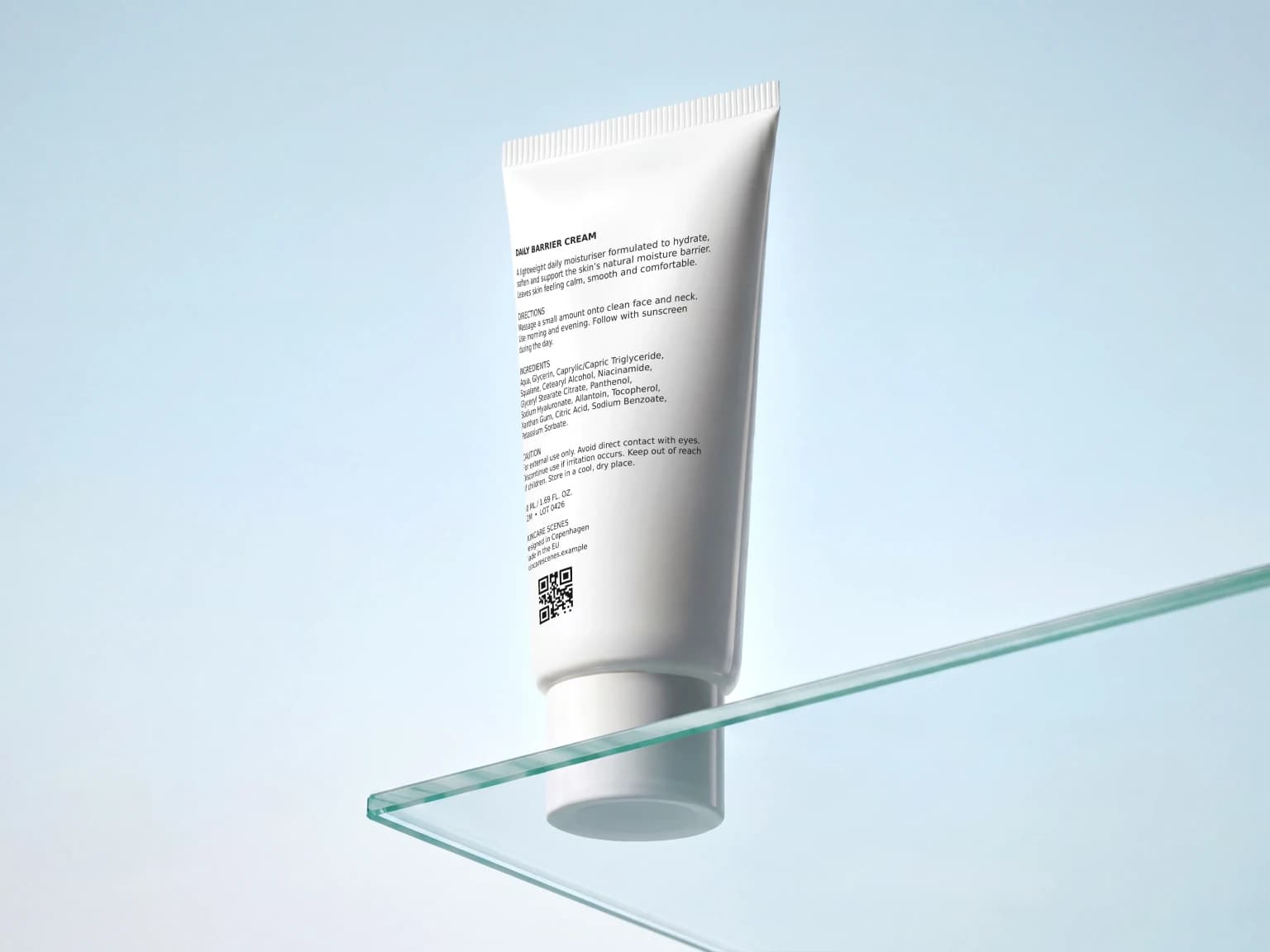
Connected packaging
The packaging carries one durable web address. The destinations and connected resources behind it can keep moving as the product information changes.
Give a normal phone scan a useful product destination and keep that page editable as the product, market, or campaign changes.
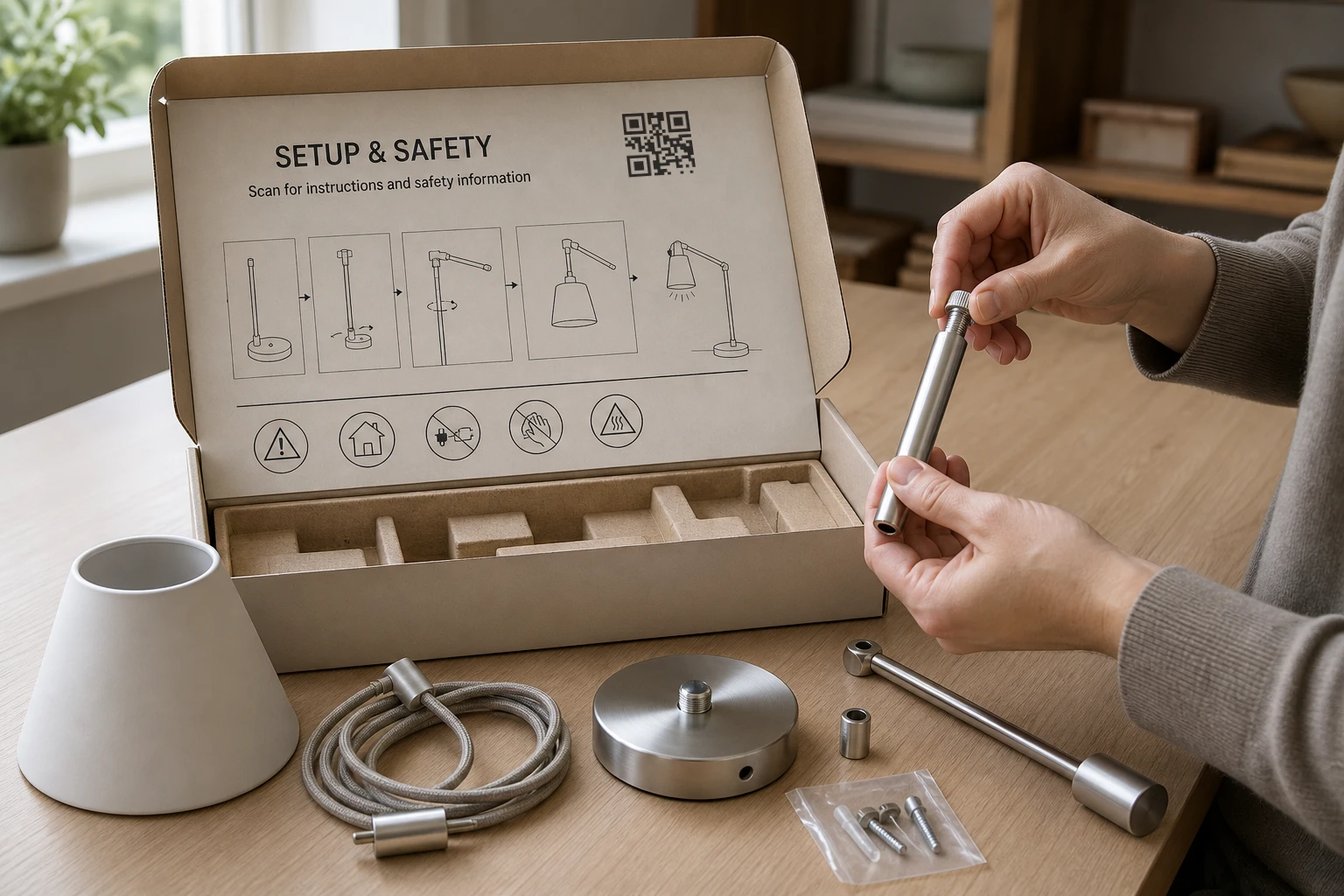
Connect setup guides, care information, safety documents, or other material that would be difficult to fit on the physical pack.
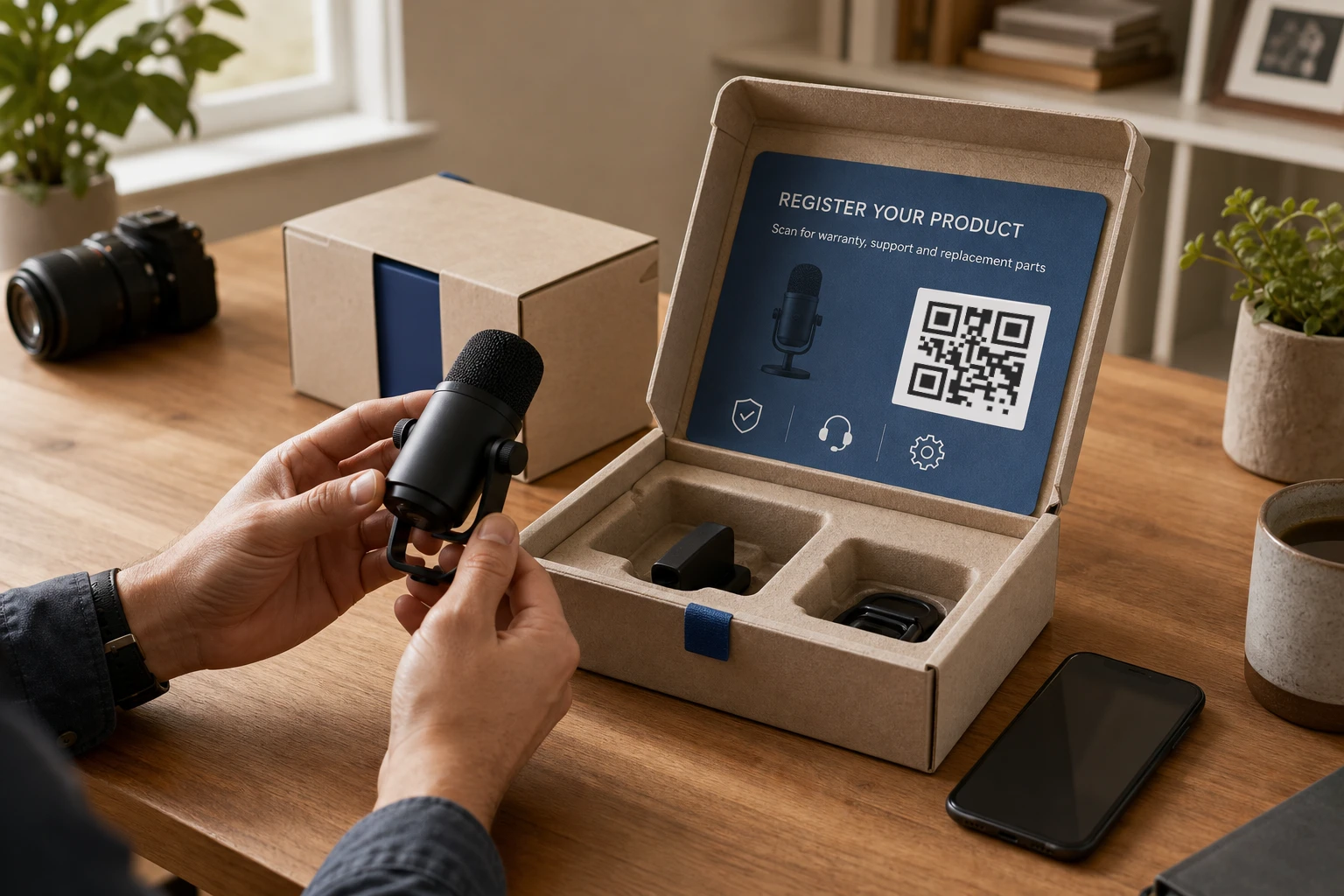
Send customers to registration, warranty, support, or replacement-part pages from the product they already have in hand.
Create a GS1 Digital Link from a supported GTIN and connect typed product resources that software can discover from the same address.
Use a supported GTIN to create a standards-based address for people and GS1-aware systems.
Set one product-page fallback, then add country-specific destinations for local content.
Check supported identifiers, HTTPS URLs, known web threats, and connected-domain status before publishing.
Use a GeoQR-hosted address or a verified customer-owned resolver domain.
Example / One product in several markets
Imagine a skincare product sold in Denmark and Germany. Its carton carries one QR code next to “Scan for product information.” The following is a sample setup you can adapt to your product.
| Scan context | Destination you configure |
|---|---|
| Denmark | Danish product page with ingredients, usage, and support |
| Germany | German product page with the same product's local information |
| No matching country | International product page with a market selector |
GeoQR estimates the country from network information; it does not translate your content or detect a person's language. Keep a market selector on your own page so visitors can choose a different version. Follow the country redirect setup guide to configure the routes.
A standard dynamic code works for an editable product page. If the code also needs to identify the product by GTIN and expose typed resources, use the GS1 Digital Link QR code generator. Connect the same product's instructions and support URLs as resources; your organization continues to host and maintain that content.
If a product page or instruction document moves, update its destination or resource URL and scan the same code again. The product identifier and resolver hostname printed on the carton stay fixed. Before the full print run, test a sample at its final size on the actual material, then check the local routes and fallback.
Use the QR code print-testing checklist to review the artwork, destination, and physical sample together.
A practical rollout
Make the stable parts of the code deliberate before print, then manage the changing product information behind it.
Choose a standard dynamic code or create a GS1 Digital Link from a supported GTIN.
Set the product page a normal phone scan should open by default.
Add local destinations and, for GS1 links, the typed resources the product requires.
Review the identifier, domain, destinations, QR design, and production artwork before printing.
Questions
What to decide before printing, what can change later, and when GS1 Digital Link is useful.
You can link to product pages, instructions, safety information, support, registrations, warranty pages, nutrition, sustainability information, or other resources your product needs.
Yes. Destinations, country routes, and connected GS1 resources can be updated after printing. The identifier and resolver hostname encoded in the artwork do not change unless you print a new code.
Use GS1 Digital Link when the code should identify a product with a supported GTIN and expose typed resources to GS1-aware systems. A standard dynamic QR code is enough when you mainly need an editable product or support destination.
No. GeoQR manages the QR address, routing, and connected resource URLs. Your product pages, documents, and other content remain at URLs controlled by your organization.
Yes. Connect and verify the domain before final production because the hostname forms part of the printed QR code.
Start with one product
Start with the product identifier or destination, connect the information customers need, and review the final code before packaging goes to print.
Free plan · No credit card required