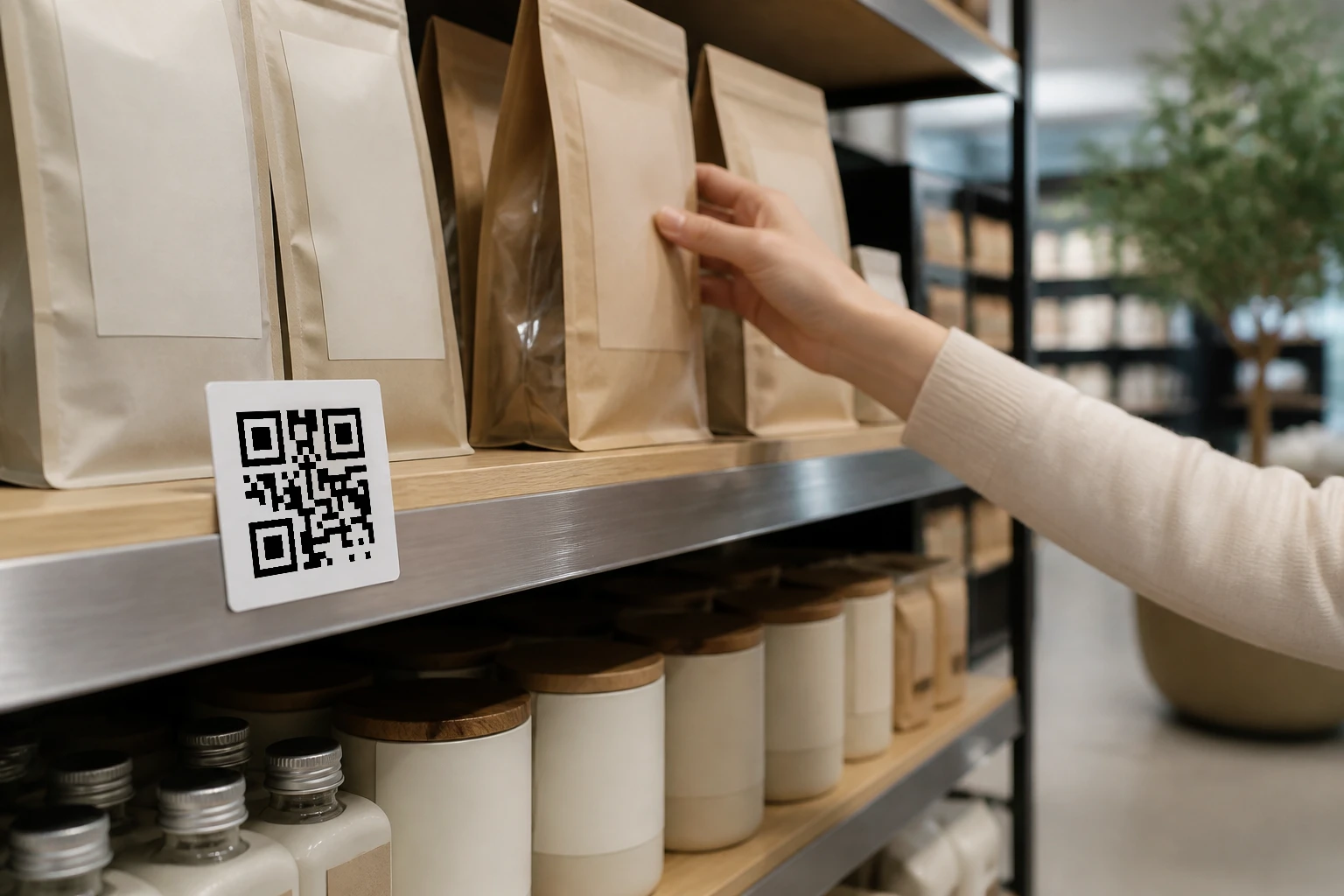
Shelf tags and in-store displays
Give shoppers a clear next step from shelf labels, aisle displays, window graphics, and signs without fitting every detail into print.
Use cases / Retail / Displays and promotions
Link shelf tags, window signs, displays, and printed offers to pages that can change with the promotion, store, or market. Keep the printed code in place while the destination moves on.
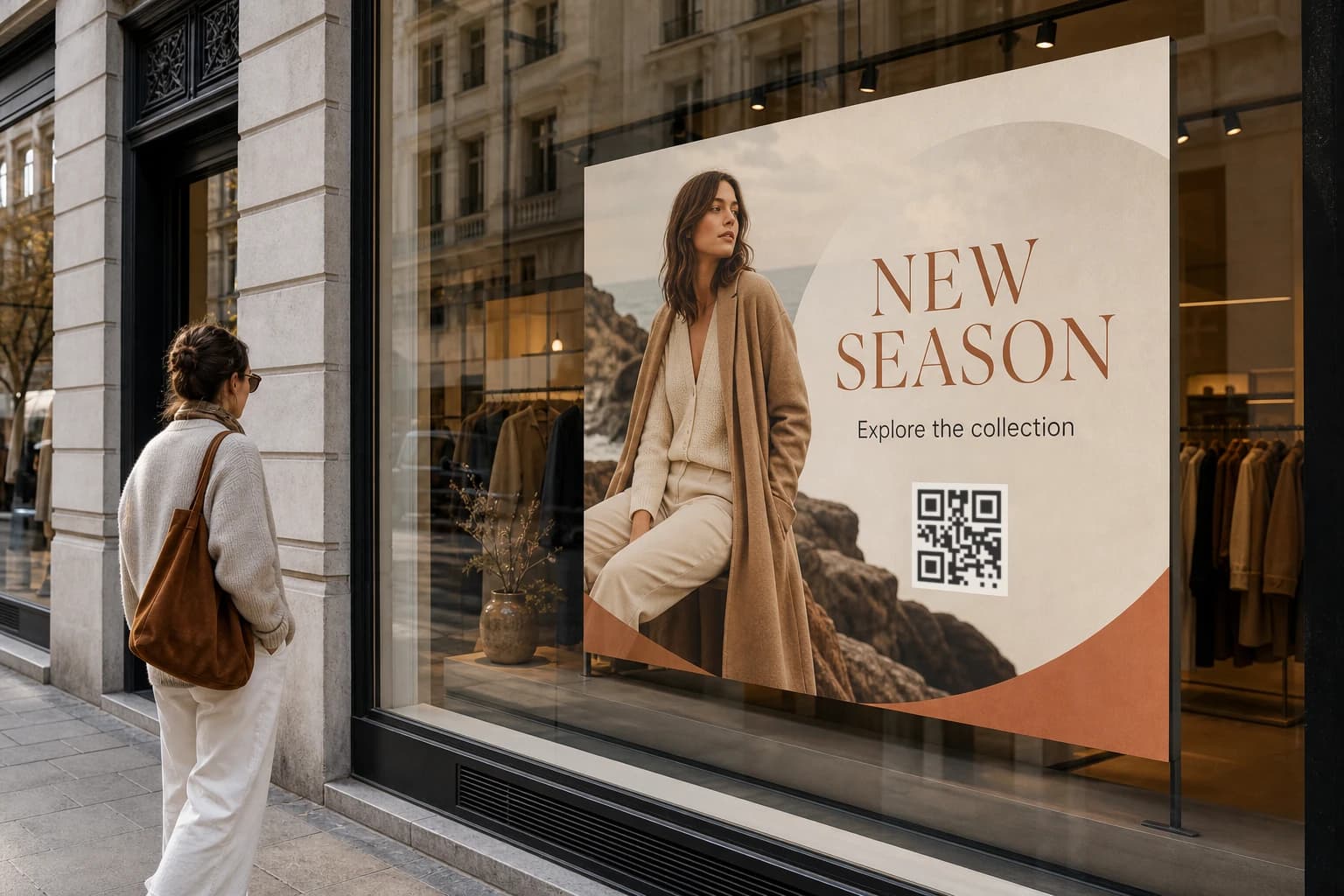
Retail surfaces
Use the printed surface for a simple invitation to scan, then manage the changing product, offer, store, or campaign page behind it.
Give shoppers a clear next step from shelf labels, aisle displays, window graphics, and signs without fitting every detail into print.
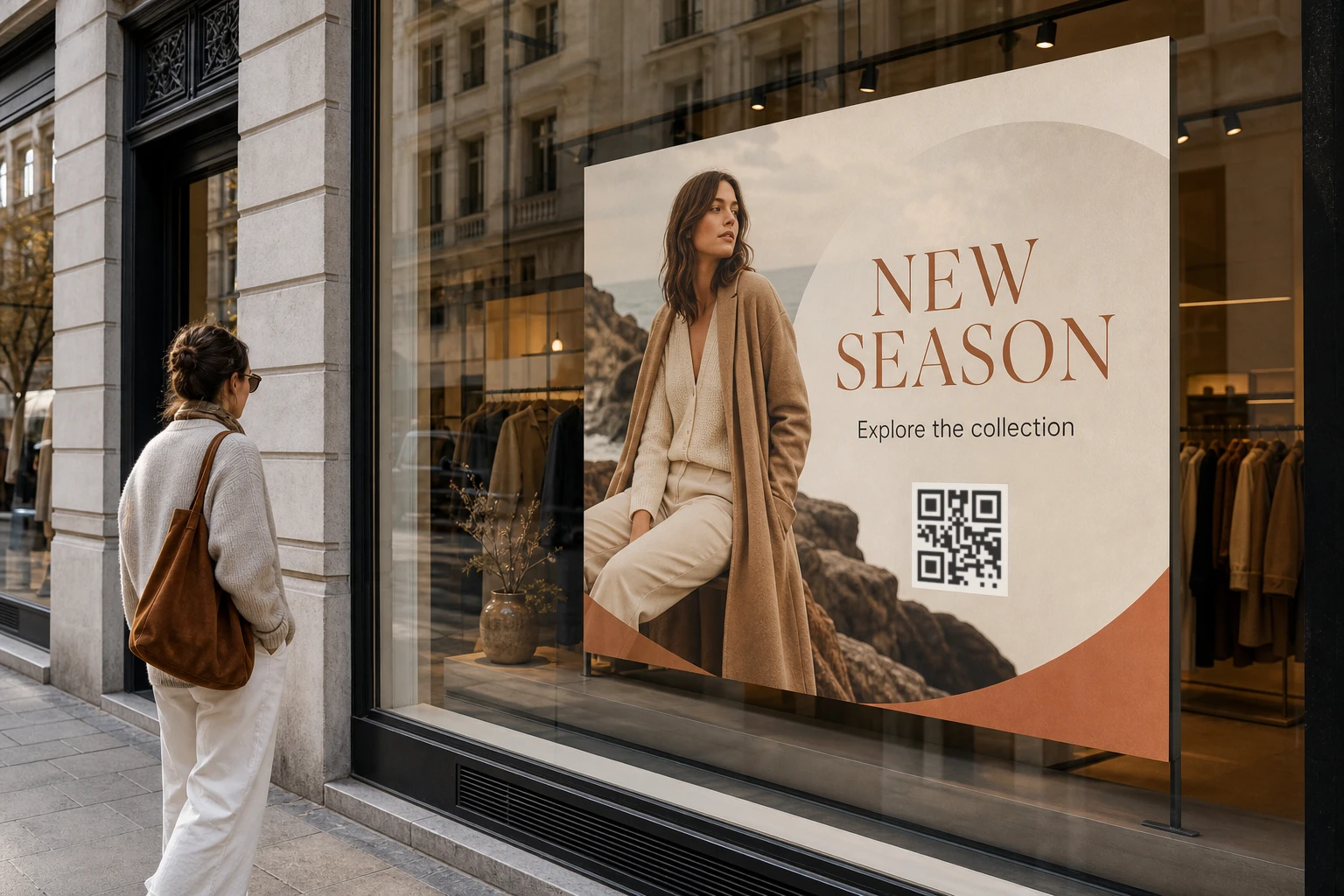
Move a printed code from a launch page to a seasonal offer, clearance page, or the next campaign without producing the display again.
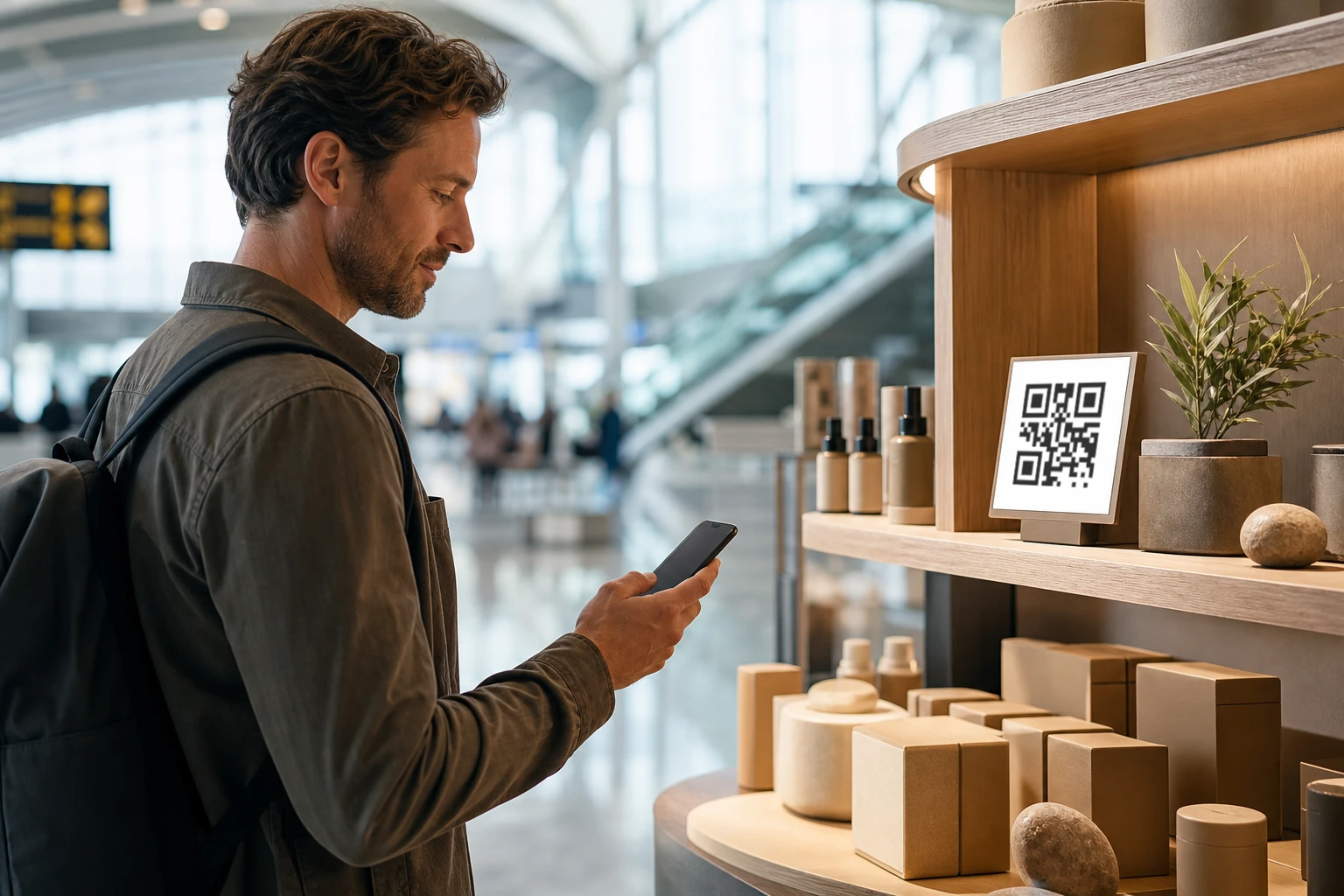
Set a useful default page, then send scans from supported countries to the product page, store finder, or offer intended for that market.
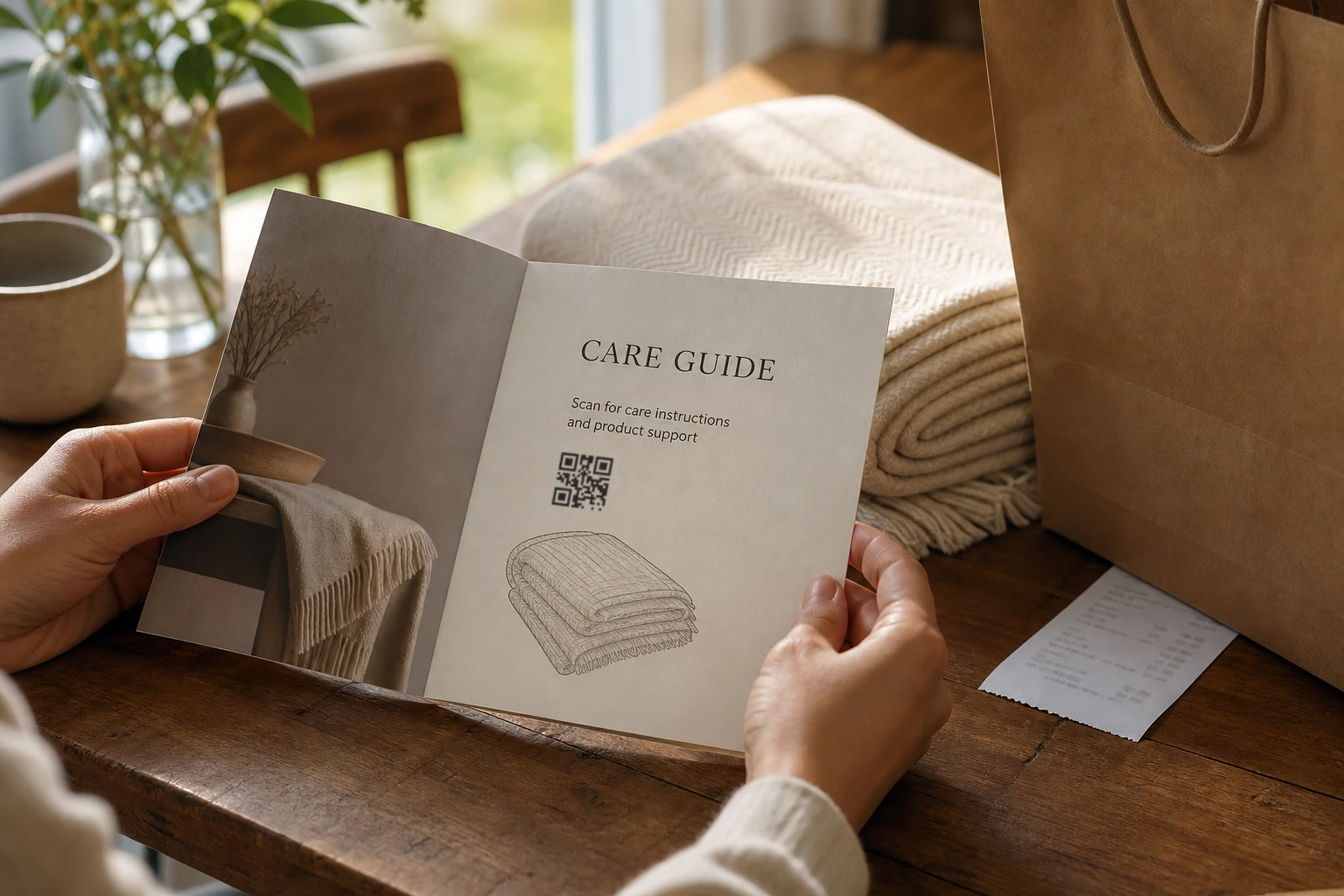
Use the same approach on receipts, bag inserts, and take-home cards when the destination needs to stay useful beyond the store visit.
Send ordinary scans to the relevant country page while keeping one default fallback.
Replace an expired offer or point the code to the next promotion without reprinting it.
Match colors, shapes, frames, and logos to the brand and export the artwork as PNG or SVG.
Review resolver requests by QR code, country, date, and time after the material goes live.
A practical rollout
Build the route around the printed material, then change what sits behind it as the retail campaign evolves.
Create artwork sized and styled for the shelf tag, sign, display, or printed insert.
Choose the page every scan should reach when no country-specific route applies.
Add local product, store, or offer pages only for the countries that need them.
Update the live destination when the promotion changes while the printed code stays in place.
Questions
Practical answers about printed retail material, local destinations, updates, and reporting.
Shelf tags, window signs, counter displays, posters, receipt inserts, and other printed material can all use a dynamic QR code. The best placement is where a shopper needs more information or a clear next step.
Yes. The destination can be updated without changing the printed QR code, provided the resolver address encoded in the code remains the same.
You can set one default destination and add country-specific routes. GeoQR uses country-level network information, not precise GPS location, to choose a matching route.
GeoQR reports server-observed resolver requests by QR code, country, date, and time. The figures describe request activity rather than unique shoppers or confirmed purchases.
Yes. Connect and verify a customer-owned domain before the final artwork is printed. The hostname is part of the QR code and should be settled before production.
Start with one retail surface
Create the design, add a useful default destination, and introduce local routes where a store or market needs something different.
Free plan · No credit card required