Denmark
Germany
Spain
Route scans by country
Set a dependable default link, then add local destinations for the countries that need a different experience.
Explore country routingDynamic QR code generator / Branded design / Scan analytics
Add your logo, download a branded QR code, and change its link without reprinting. Track scans, send visitors to different pages by country or device, and create GS1 Digital Links for product packaging.
Free plan · No credit card required


Editable destinations
A dynamic QR code contains a managed link that redirects to your chosen destination. When you change that destination in GeoQR, the same printed code opens the new page. Keep packaging, posters, and signs in use while your content changes.
Update a live destination without replacing printed material.
Send every scan to the most relevant local destination.
Keep colors, frames, and exported artwork on brand.
Compare activity across QR codes, campaigns, countries, devices, destinations, and time periods.
Compare dynamic and static QR codes to choose the right option for your next print run, or learn how to change a QR code link after printing.
QR design
Choose the colors, shapes, frames, margins, and logo treatment used in the QR code. You can preview your changes as you work and download the finished artwork as PNG or SVG.
Loading QR design preview…
Routing, resources, and tracking
Route visitors by device or country, schedule temporary destinations, add GS1 product resources, update live links after publishing, and attach UTM values for consistent attribution.
Set a dependable default link, then add local destinations for the countries that need a different experience.
Explore country routingDirect iPhone and iPad visitors or Android visitors to the destination built for their device, with a dependable fallback for everyone else.
Explore device routingAdd instructions, safety information, nutrition, sustainability, and other product resources to a GS1 Digital Link.
Explore GS1 product resourcesSwitch to a temporary page for a launch, event, or limited-time offer, then return to the regular destination automatically.
Explore scheduled destinationsPoint the same printed code somewhere new without changing the physical artwork.
Explore editable destinationsConfigure source, medium, campaign, content, and term values so resolved links carry consistent attribution into your analytics tools.
Explore campaign UTM trackingInvite team members to work with the same QR codes, designs, and destinations.
Save a branded design and apply it again when creating new QR codes.
Validate HTTPS destinations and check links for known safety issues before publishing.
Compare activity across QR codes, campaigns, countries, devices, destinations, and time periods.
How it works
GeoQR receives the request and resolves it using the destinations configured for that code. Standard scans open the selected destination, while GS1-aware requests can return product resources or a Linkset.
See how requests are handledTechnical details
GeoQR handles scans and resolver requests on globally distributed infrastructure. This keeps redirects and GS1 responses fast without depending on a single location.
Excludes destination page load time.
Campaign management
Group related QR codes into campaigns, add tags, reuse UTM defaults, and archive finished rollouts without losing their history.
Explore campaign managementQR code analytics
Compare QR codes and campaigns, follow trends over time, and understand the locations, devices, referrers, and destinations behind the activity.
Explore analyticsUse cases
Keep product information, offers, store pages, and event destinations flexible while the printed code stays the same.
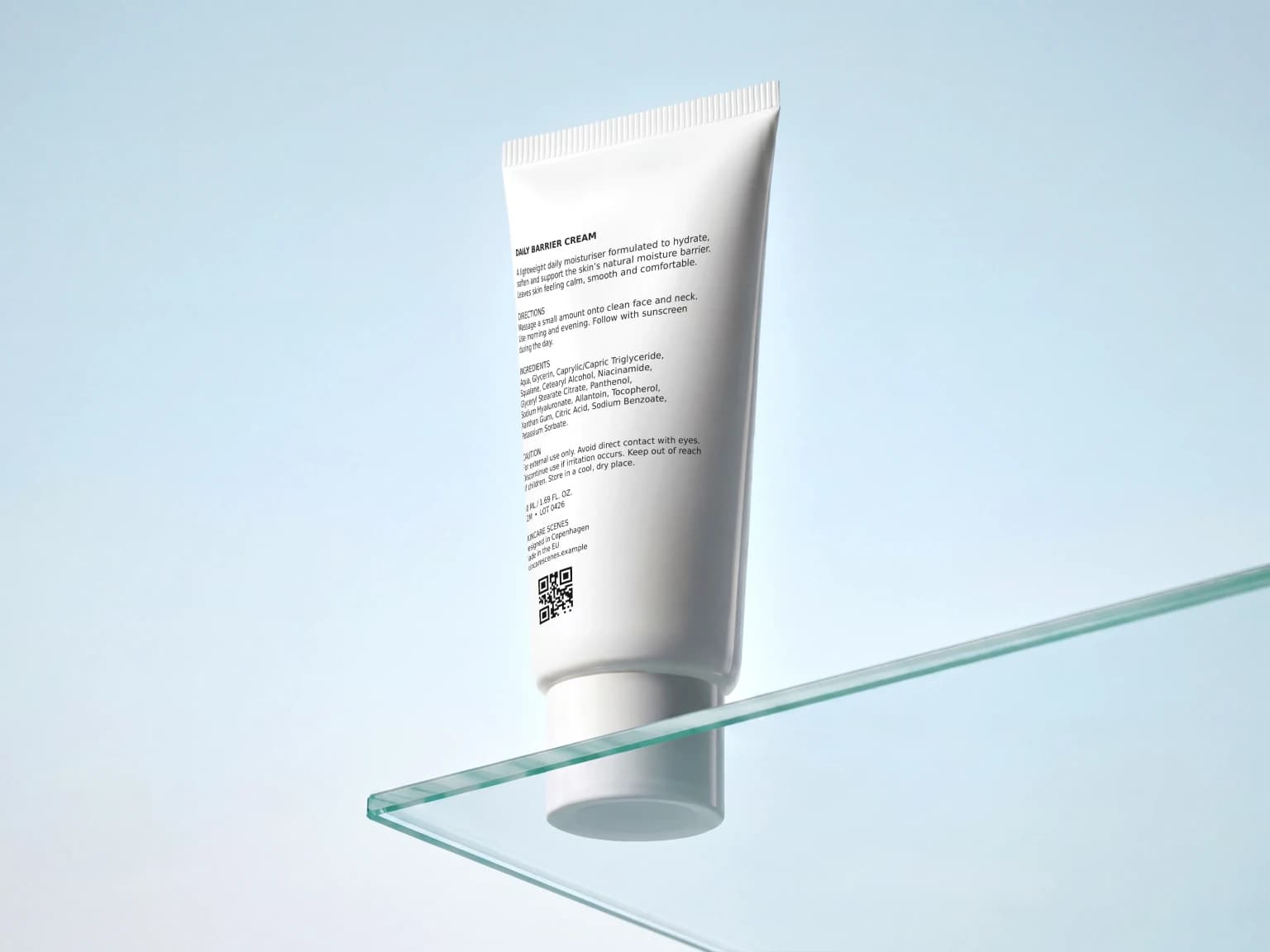
Use a GS1 Digital Link to share product pages, instructions, registrations, and support links from the same QR code.
Explore product packaging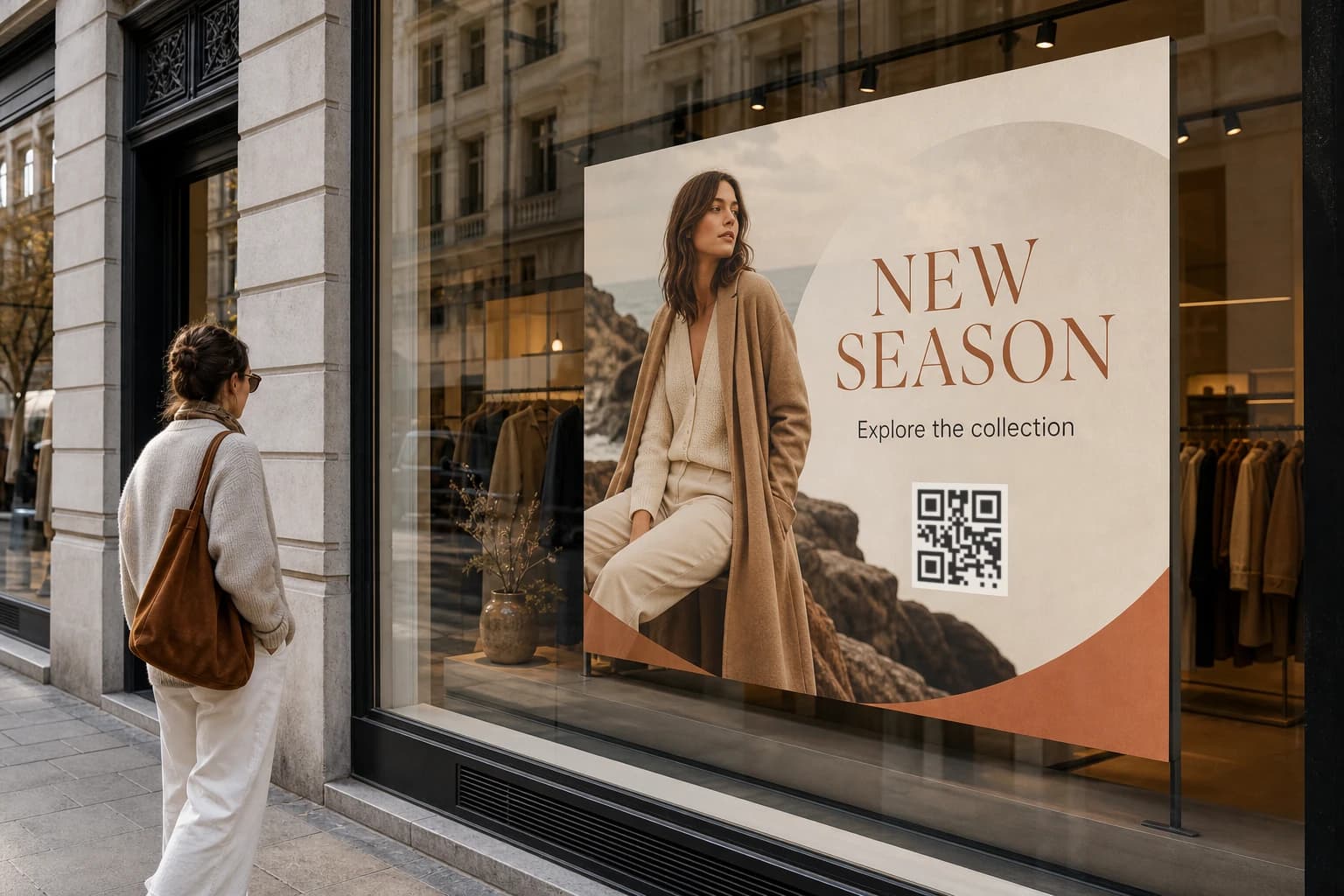
Reuse printed displays while seasonal offers, store pages, and other destinations change.
Explore retail displays and signs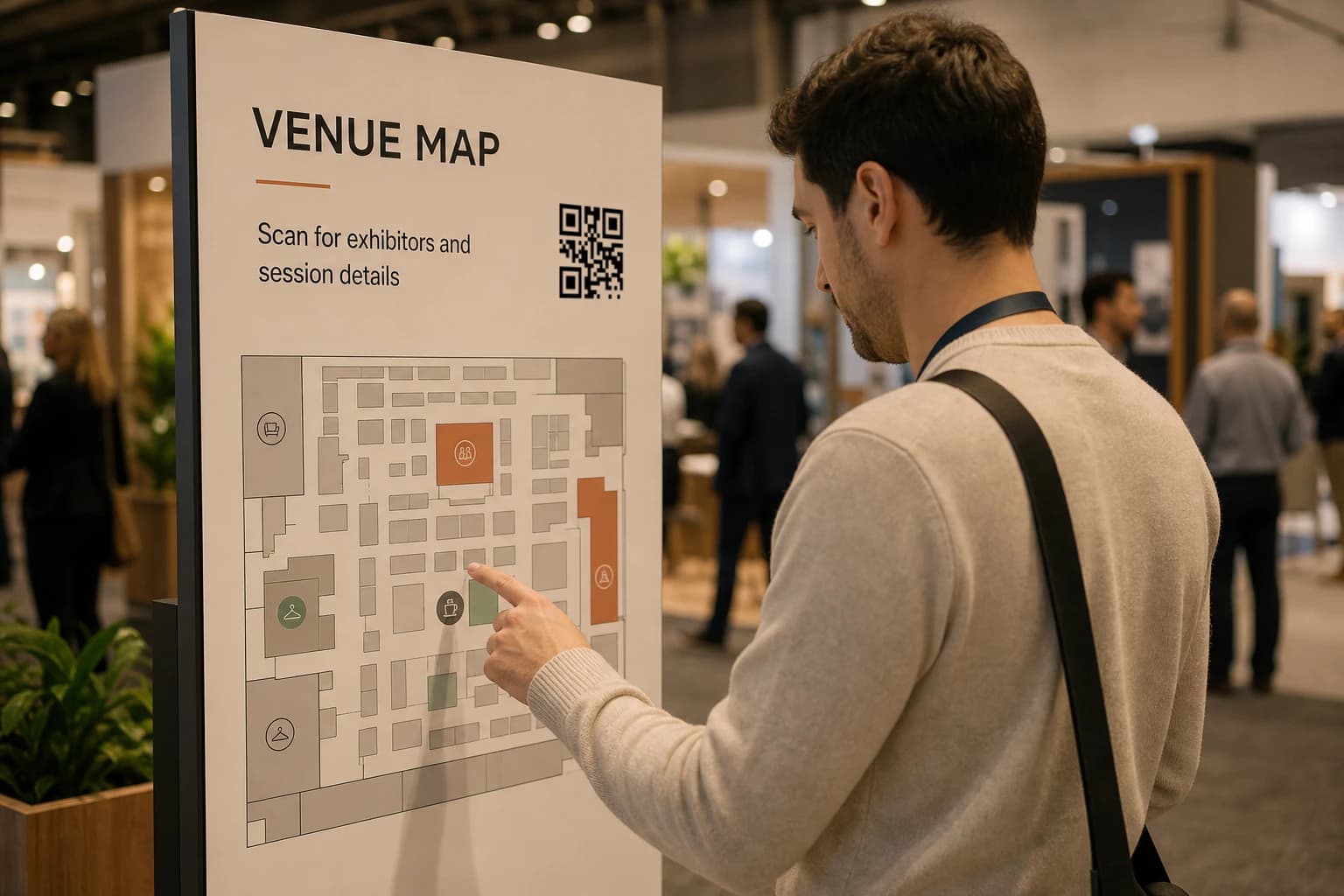
Update schedules, venue information, registration pages, and post-event content without replacing printed signs.
Explore events and venues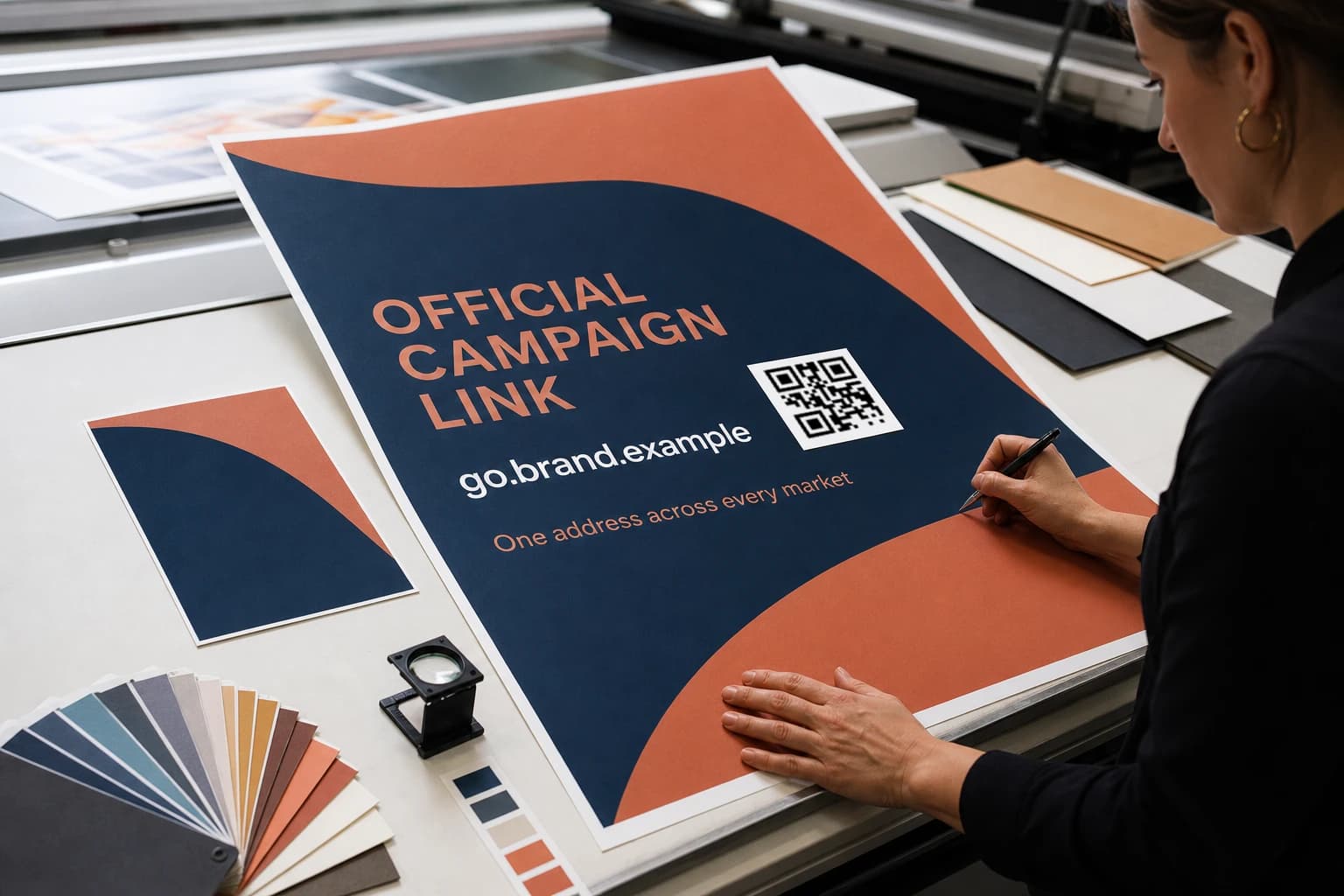
Keep one QR design consistent while teams manage country-specific destinations across a multi-market rollout.
Explore multi-market teamsLink safety
GeoQR validates destinations and checks links used by QR codes and GS1 resources for known safety issues. If an unsafe redirect is detected, your team can be notified in the app or by email.
Check that destinations use HTTPS and contain a valid URL before they are published.
Check destinations and GS1 resources against known web threats before customers reach them.
See unsafe redirect warnings in the app and choose whether to receive them by email.
Connect a customer-owned resolver domain and review its DNS, SSL, and hostname status before use.
Pricing
Start free with one published QR code, then upgrade when you need more codes, scans, domains, media files, or analytics history.
$0
Create and publish your first dynamic QR code.
$10/mo
Validate your first rollout before launch.
$50/mo
For growing QR code rollouts with room to scale.
$200/mo
For larger rollouts across markets and brands.
All prices shown are exclusive of tax. Any applicable tax is calculated and added at checkout.
Questions
The practical details visitors usually need before creating their first code, from destination updates and flexible routing to GS1, domains, analytics, and link checks.
Yes. You can update the default destination, country and device routes, combined routing rules, temporary schedules, and media after the code has already been printed and distributed.
GeoQR uses country-level network information from the resolver request. It checks for a matching country rule and otherwise uses the default destination. It does not request precise GPS coordinates or location permission from the visitor.
A GS1 Digital Link puts a GS1 identifier, such as a GTIN, into a web address. A normal phone scan can open the configured product page, while GS1-aware systems can request typed product resources or a Linkset from the same address.
Yes. GeoQR supports custom domains so teams can run QR campaigns on brand-owned URLs instead of relying on a generic redirect domain.
GeoQR reports total scans, estimated daily unique scanners, and trends across QR codes, campaigns, countries, devices, destinations, and time ranges. You can also inspect the individual events behind those reports. Estimated daily unique scanners is a trend estimate rather than an exact count of people.
GeoQR includes redirect safety checks to help teams review risky destination URLs before they become customer-facing. Teams should still test and approve final destinations before launch.
Start with one code
Set up the design and destination, check the code, and publish when it is ready. You can change the destination later without replacing the printed code.
Free plan · No credit card required